Beyond the desktop
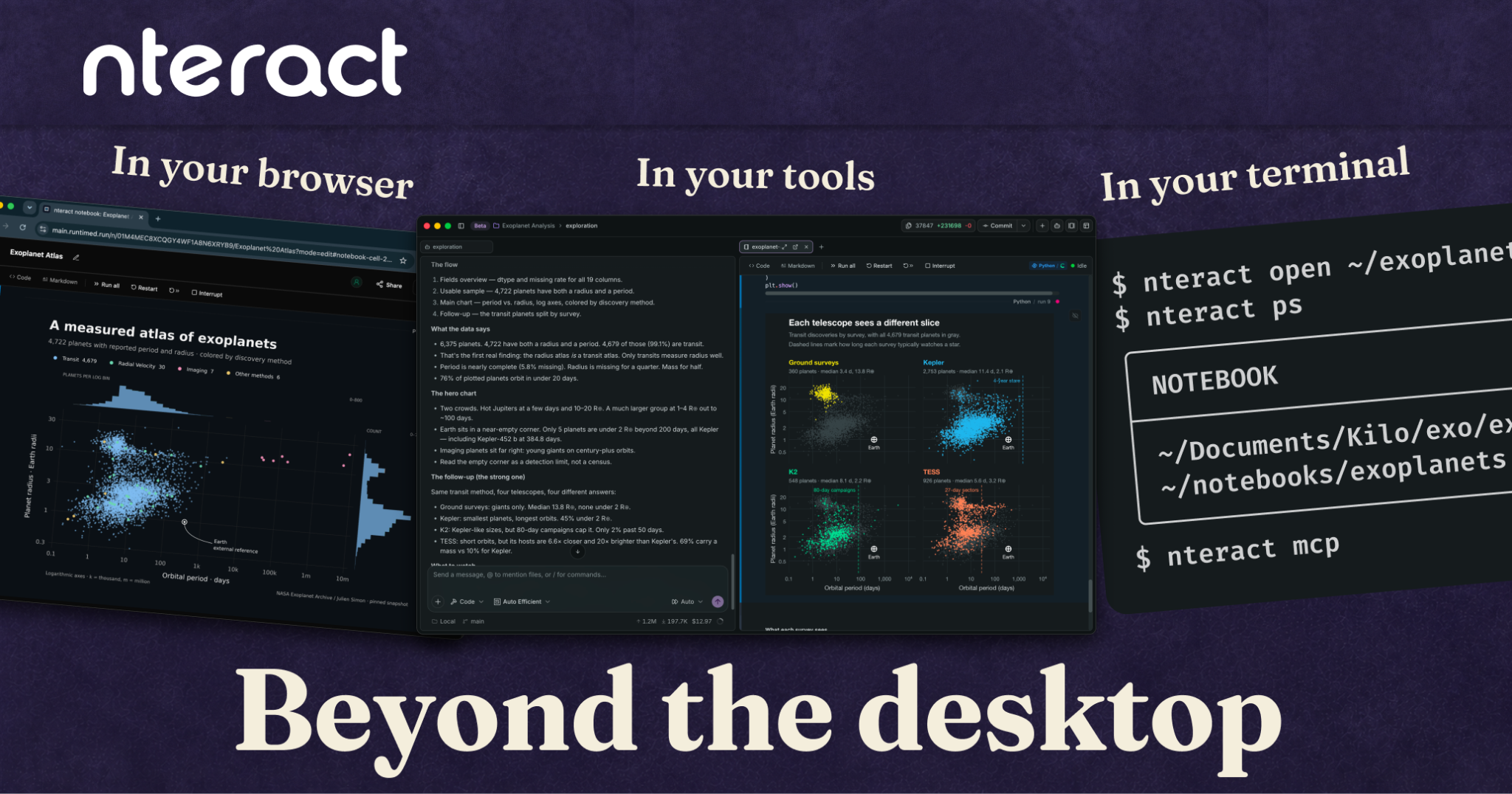
This release makes notebooks more programmable and more collaborative. From interactive output in Codex and discussions beside the notebook to Jupyter-inspired command shortcuts, more comfortable editing, and improved MCP, CLI, Node, and Python interfaces. nteract 2.7-2.8 bring a faster, more flexible way to work with and build on your notebooks.
- comments
- integrations
- cloud
- embedding
Highlights
- Embed multiplayer notebooks in your apps
- Deploy collaborative notebooks to private clouds
- Unified nteract cli
Beyond the Desktop
This release makes notebooks more programmable and more collaborative. From interactive output in Codex and discussions beside the notebook to Jupyter-inspired command shortcuts, more comfortable editing, and improved MCP, CLI, Node, and Python interfaces. nteract 2.8 brings a faster, more flexible way to work with and build on your notebooks.
We’ve also got an initial alpha of our cloud notebooks (that you can self-host on CloudFlare or with celld.dev).
Explore the output in Codex
Ask your agent to explore a dataset, then sort and crossfilter the table yourself, right in the conversation. Same with Plotly charts.
We’ve had basic MCP Apps support for a while. As the spec has evolved and the harnesses have changed, we’ve had to adapt.
Connect your notebook with the nteract Codex plugin.
Introducing the nteract cli
Use nteract open analysis.ipynb to open a notebook, nteract . for a fresh notebook in the current directory, or nteract mcp to serve MCP.
You can also use the CLI without need of the local daemon service for targeting remote servers or providing
The CLI-only installer installs the command and helpers without registering or starting a local daemon service. One-shot notebook calls wait for document readiness, and execution calls also wait for the kernel before dispatch.
Inline Commenting

Select any slice of code or markdown (even if rendered!) to leave a note. Same goes for outputs. If you don’t understand a chart, want to change it up, or a dataset needs refinement just leave a note.
As this is a multiplayer feature, it allows for human to human connection as well as agent to human and vice versa.
Hover over a comment highlight to preview the thread. Click to keep it open and reply. Unsent replies survive dismissal, and the Discussions rail lets you browse all threads.
Your conversations stay connected when you save as they’re stored separately and privately on the desktop. When you export a notebook, your discussions stay private and out of the .ipynb file.
When you’re ready to share with people, you’ll need the cloud version.
Changes: #3902, #4182, #4236, #4375
Embed multiplayer notebooks in your apps
We’re going beyond the Desktop app and enabling others to embed nteract in their apps. This starts with our node runtime and electron adapter. An embedding app can connect to the notebook runtime, provide native actions, all without having to rebuild the connection protocol.
Changes: #4134, #4147, #4248, #4287, #4323, #4372, #4285
Keyboard comforts
Familiar command-mode shortcuts are here. Escape enters command mode; Enter returns to editing. A and B insert a cell above or below, M and Y switch between Markdown and code, D,D deletes a cell, and O toggles output visibility.
Choose code and Markdown fonts with a searchable picker and previews of installed fonts. Turn line numbers on or off. Styled HTML blocks, including nested callouts with backgrounds and borders, render again in Markdown previews.